
 Kia Sorento: Smart Key
Smart Key Code Saving
| 1. |
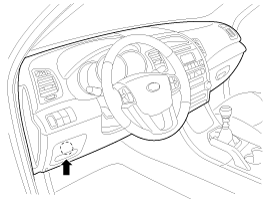
Connect the DLC cable of GDS to the data link connector (16 pins)
in driver side crash pad lower panel, turn the power on GDS.
|
| 2. |
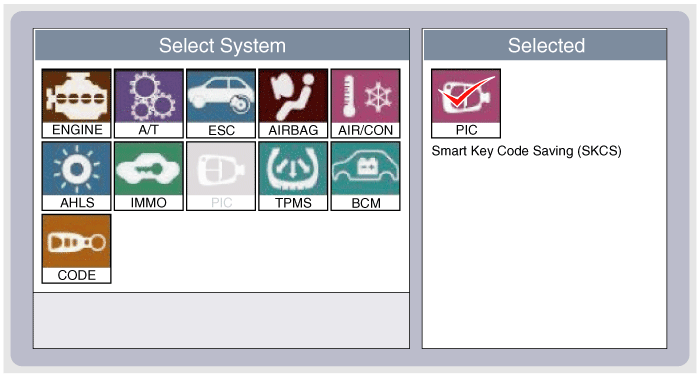
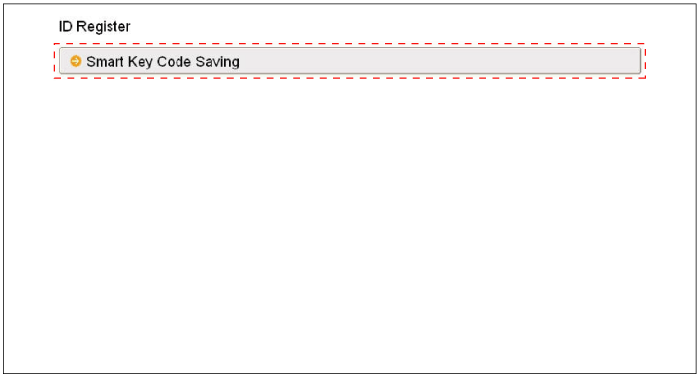
Select the vehicle model and then do "Smart key code saving".
|
| 3. |
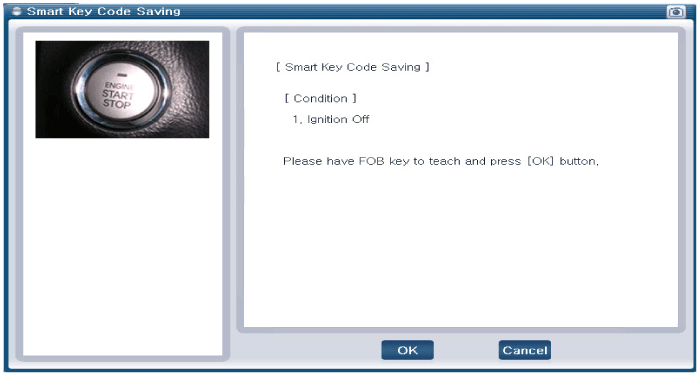
After selecting "Smart key teaching" menu, push "Enter" key, then
the screen will be shown as below.
|
| 4. |
After having the teaching smart key, push "ENTER" key.
|
| 5. |
Input the "Pin code" for first key teaching.
|
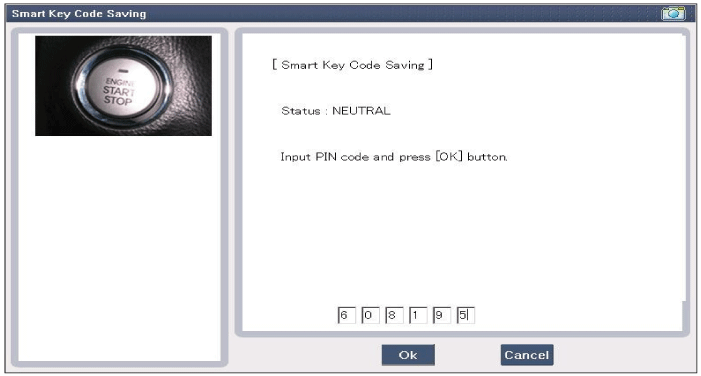
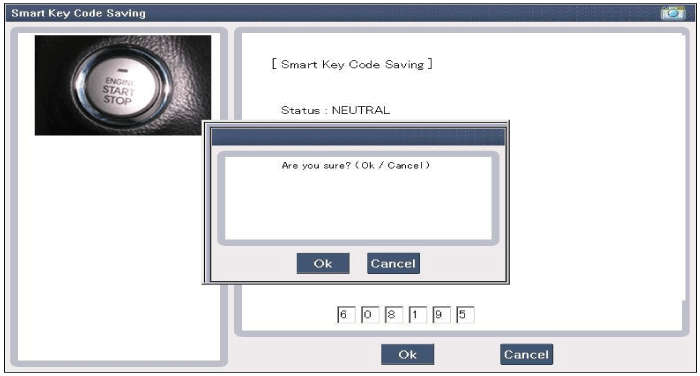
| 6. |
Press the SSB with smart key within 5 sec after pressing "OK".
|
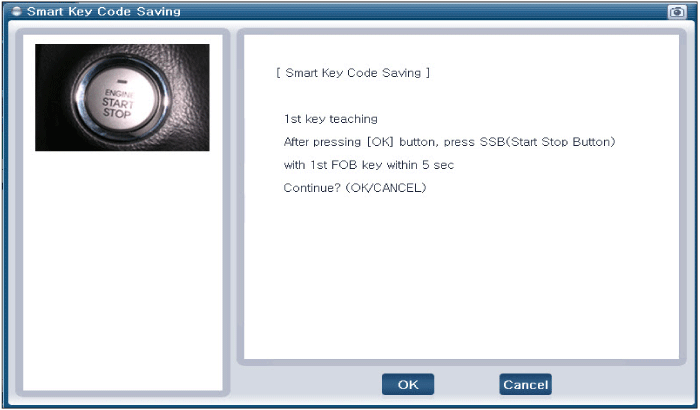
| 7. |
Confirm the message "First key teaching completed".
|
| 8. |
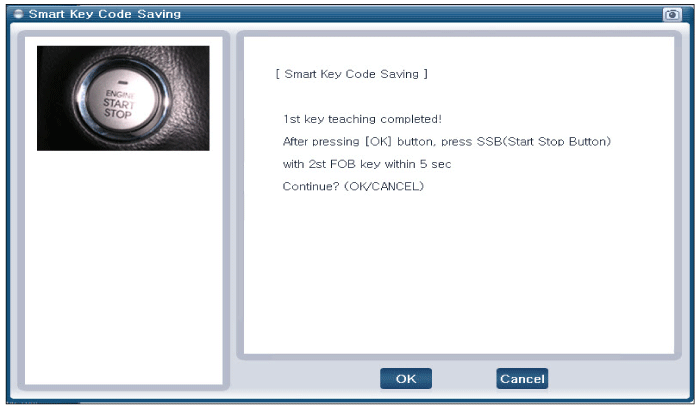
Press the SSB with smart key within 5 sec after pressing "OK".
|
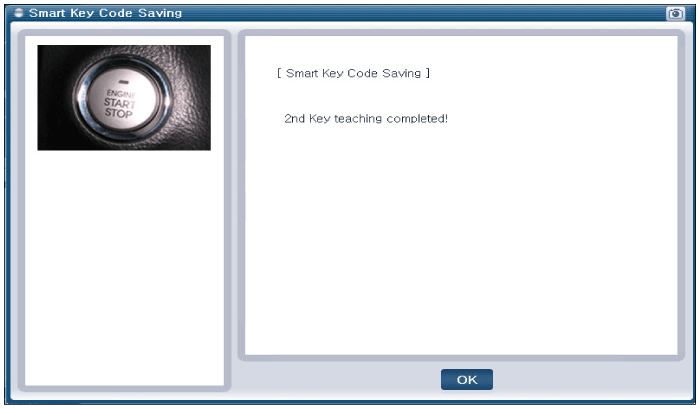
| 9. |
Confirm the message "Second key teaching completed".
|
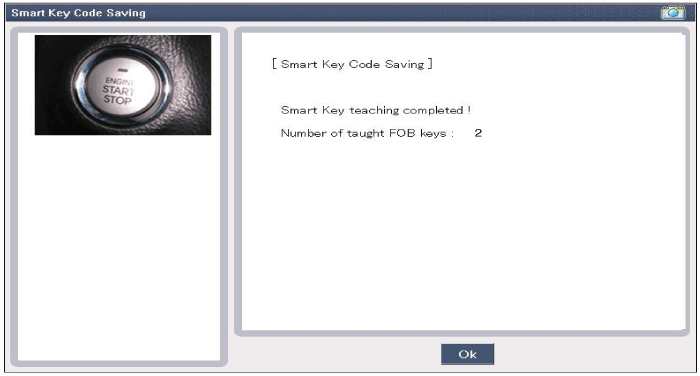
| 10. |
Then the screen will be shown as below when key teaching process
is completed.
|
Passive Functions
The system allows the user to access the vehicle without having to perform
any actions (e.g. RKE button pressing) with the SMART KEY FOB. It is sufficient
that a valid SMAR...
 Operation
Connector Pin Information
No.
Connector A
Connector B
Connector C
1
V_BAT load
C_CAN Low
SSB illumination ground
2
-
...
 Smart key unit Components
See also:
Power window lock button
The driver can completely disable the power window controls on the rear passenger doors by engaging the main power
window lock button located on the driver's door control panel into the pressed p ...
In-car Sensor (DATC only) Description
An in-car air temperature sensor is located in the crash pad lower panel.
The sensor contains a thermistor which measures the temperature of the
inside. The signal decided by the resistance ...
Front Seat Belt Replacement
Front Seat Belt Replacement
...
Manuals list
- Kia Sorento MQ4 2021-2026 Owners Manual
- Kia Sorento XM 2011-2015 Owners Manual
- Kia Sorento XM 2011-2015 Service Manual

Copyright © xm.ksmanual.com 2014-2026 - 0.0357