
 Kia Sorento: System settings
Press the 
key ![Select [System]](images/books/3/1/page.h221.gif)
Select [System] 
Select menu through 
TUNE knob
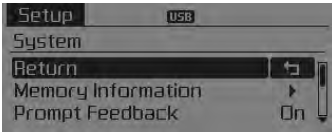
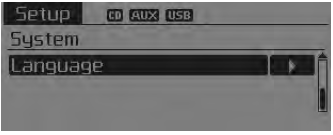
Memory Information
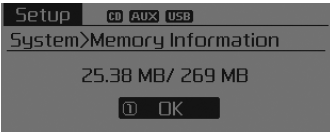
Displays currently used memory and total system memory.
Select [Memory Information]
 OK The currently used memory is displayed
on the left side while the total system memory is displayed on the right side.
Prompt Feedback
This feature is used to change voice command feedback between Normal and Expert modes.
Select [Prompt Feedback]
 Set through
 TUNE knob
 Sound settings
 Sirius TM Satellite Radio information
See also:
Component Location
1. Driver power window main switch
2. Passenger window switch
3. IPM (Intalligent intergrated Platform Module)
4. Door lock switch
5. Tailgate lock actuator & switch
...
Inspection
1.
Check the signal waveform of the CMPS and CKPS using the GDS.
Specification:
Refer to ...
Direct Electro Hydraulic Actuator Coupling Description
4WD ECU processes signals from various sensors and determines the current
road and driving conditions. The ECU then utilizes this information to implement
precision control over the 4WD coupl ...
Manuals list
- Kia Sorento MQ4 2021-2026 Owners Manual
- Kia Sorento XM 2011-2015 Owners Manual
- Kia Sorento XM 2011-2015 Service Manual
